


Blog
1-800-821-3354
Call: 1-800-821-3354
 Customer Service
We Accept PO's from Fortune 1000 Companies, Government Agencies (Federal, State, Local), Defense (Military, Air Force, Navy), Universities, Schools and Colleges.
We Accept PO's from Fortune 1000 Companies, Government Agencies (Federal, State, Local), Defense (Military, Air Force, Navy), Universities, Schools and Colleges.


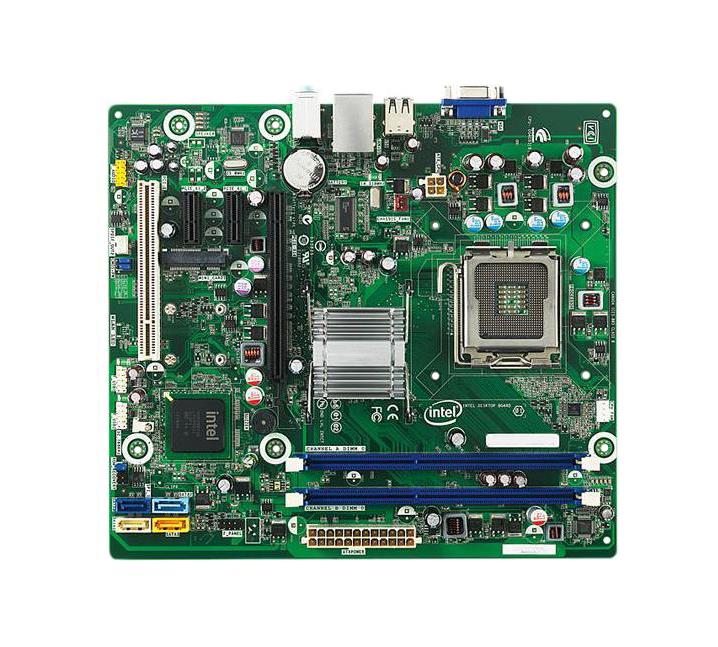

Intel DG41BI Motherboard BRAKEFIELD BEND
- Standard Memory: 0GB (Removable)
- Maximum Memory: 4GB
- Memory Expansion: 2 Sockets
- CPU: Intel Core 2 Duo, Intel Pentium Dual Core, Intel Celeron D, Intel Core 2 Quad
- Chipset: Intel G41
- Bus Architecture: PCI; PCI Express; USB
- Mfr System P/N: BRAKEFIELD BEND
- Memory Comments: If 4GB is installed under 32-bit Windows OS, the recognized memory may be reduced to 3.5GB or less (depending on system configuration and memory allocation). System supports 1333Mhz over clocked only. To achieve 1333 MHz memory speeds, you must have a 1333 MHz processor installed. Any configuration up to 4GB can be reached using 1GB, and 2GB modules. During boot, enter the BIOS setup by pressing F2. Go to the Performance menu. Read and accept the warning (select Yes and press Enter). Select Memory Configuration and press Enter. In the SDRAM Control option, select Manual - User Defined. In the Memory Frequency option, select 1333 MHz. Press the F10 key to Save and Exit BIOS Setup.
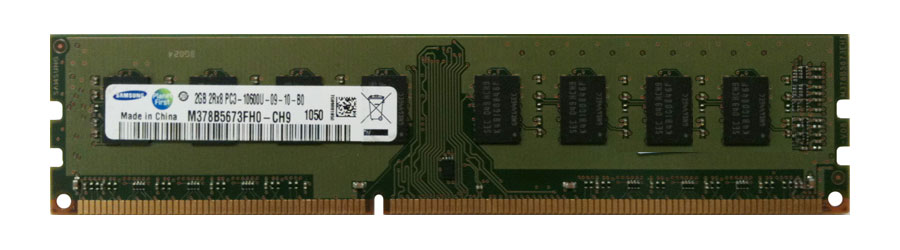
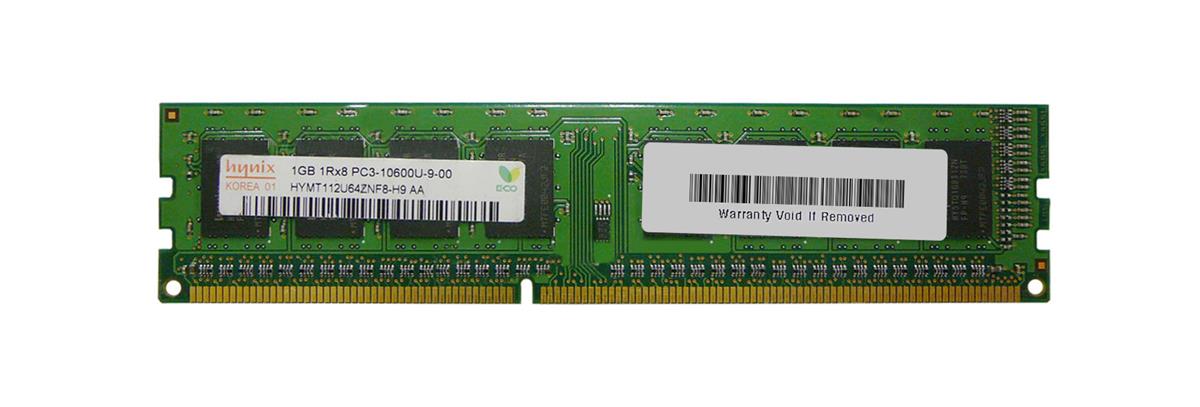
Memory Upgrade for Intel DG41BI Motherboard BRAKEFIELD BEND
| Part # | Brand | Type | Capacity | Error Correction | Voltage | Price | ||
|---|---|---|---|---|---|---|---|---|
|
3D-13D351N641696-4G | 3D Memory | PC-10600 1333Mhz | 4 GB | Non-ECC Rank 2 | 1.5 | $54.10 | Add to List |
|
3D-13D351N641670-4G | 3D Memory | PC-8500 1066Mhz | 4 GB | Non-ECC Rank 2 | 1.5 | $54.10 | Add to List |
|
3D-13D351N641688-2G | 3D Memory | PC-10600 1333Mhz | 2 GB | Non-ECC Rank 2 | 1.5 | $35.05 | Add to List |
|
|
3D-13D351N641681-2G | 3D Memory | PC-10600 1333Mhz | 2 GB | Non-ECC Rank 2 | 1.5 | $27.05 | Add to List |
|
|
3D-13D351N641663-2G | 3D Memory | PC-8500 1066Mhz | 2 GB | Non-ECC Rank 2 | 1.5 | $27.05 | Add to List |

Your Items List
Your list is empty. You can start building your list by adding items from accessories section.
Selected Items